![varsome-new.png]](https://docs.varsome.com/hs-fs/hubfs/varsome-new.png?height=40&name=varsome-new.png)
After an analysis is complete, the results are available at the Analyses page. By clicking on the name of your analysis, you will see the Variant Table and in the upper right corner the "Filters" option as shown in the picture below.
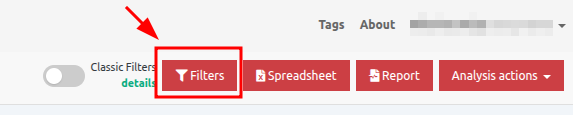
Once you click on the Filters red button, you will see the Dynamic filters:
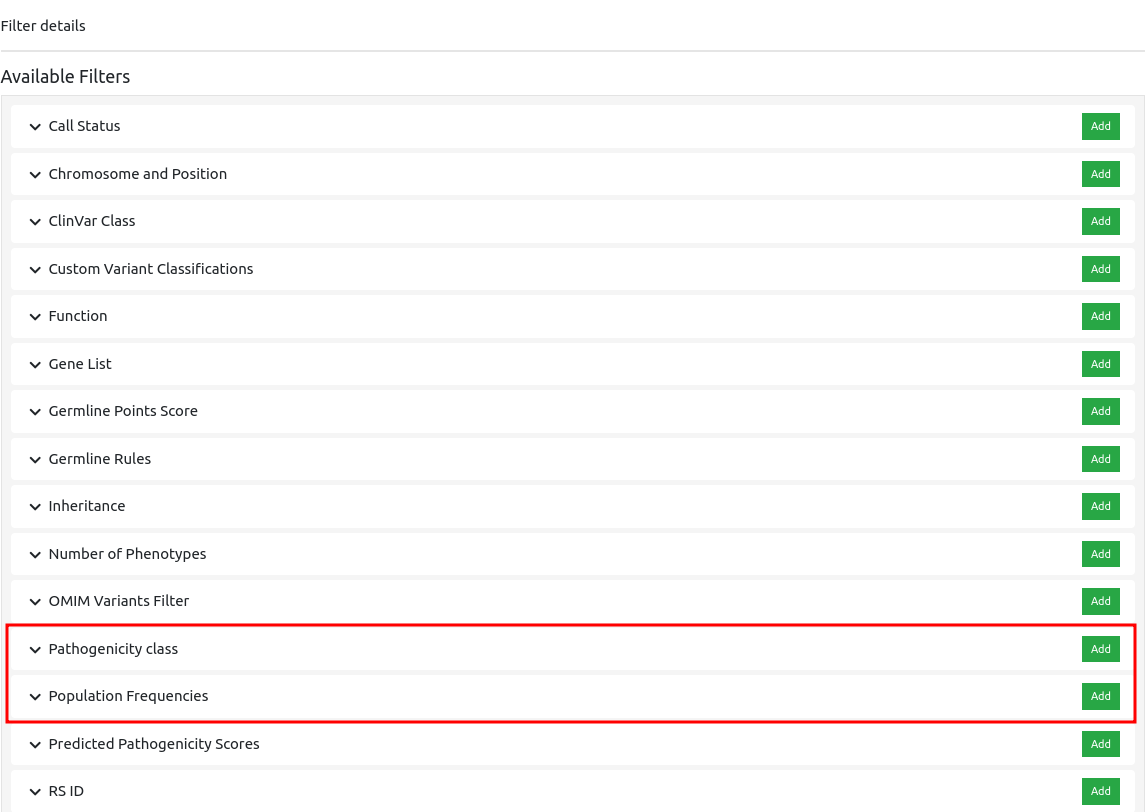
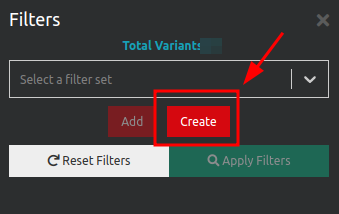
In order to filter for specific categories (e.g. Frequency and Pathogenicity), click on the filter icon and then “Create” - a pop-up screen will appear.
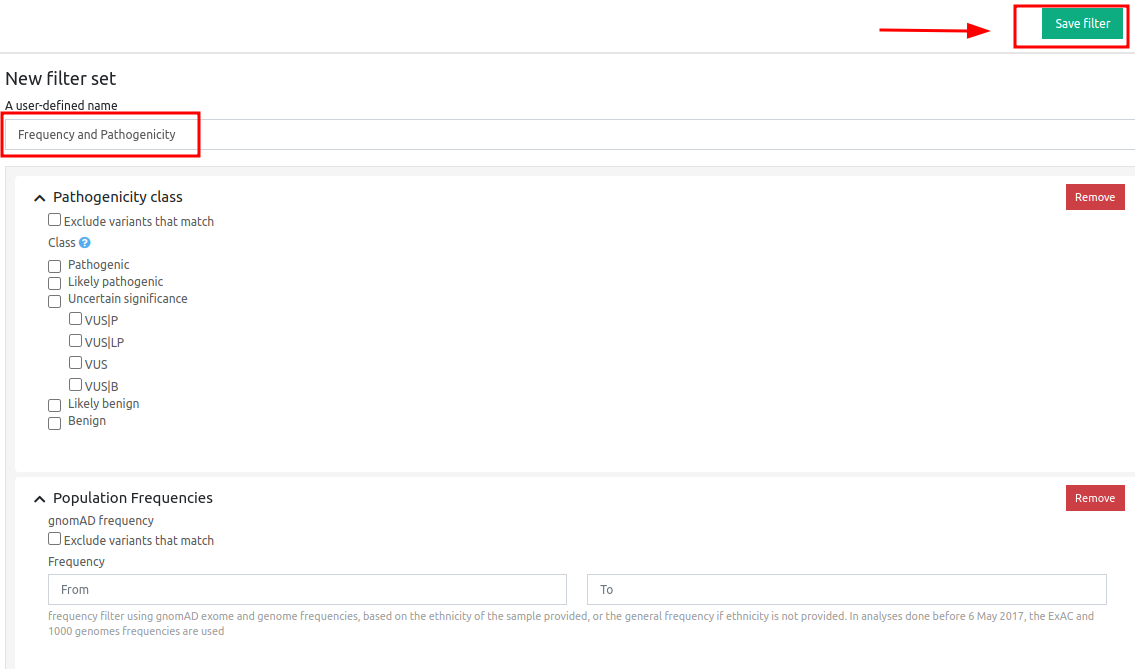
After you have completed a name for the Filter Set you have just created, clicking on “Save filter” will apply the filter set to your results.
Filter using the redesigned dynamic filters with AND/OR logic
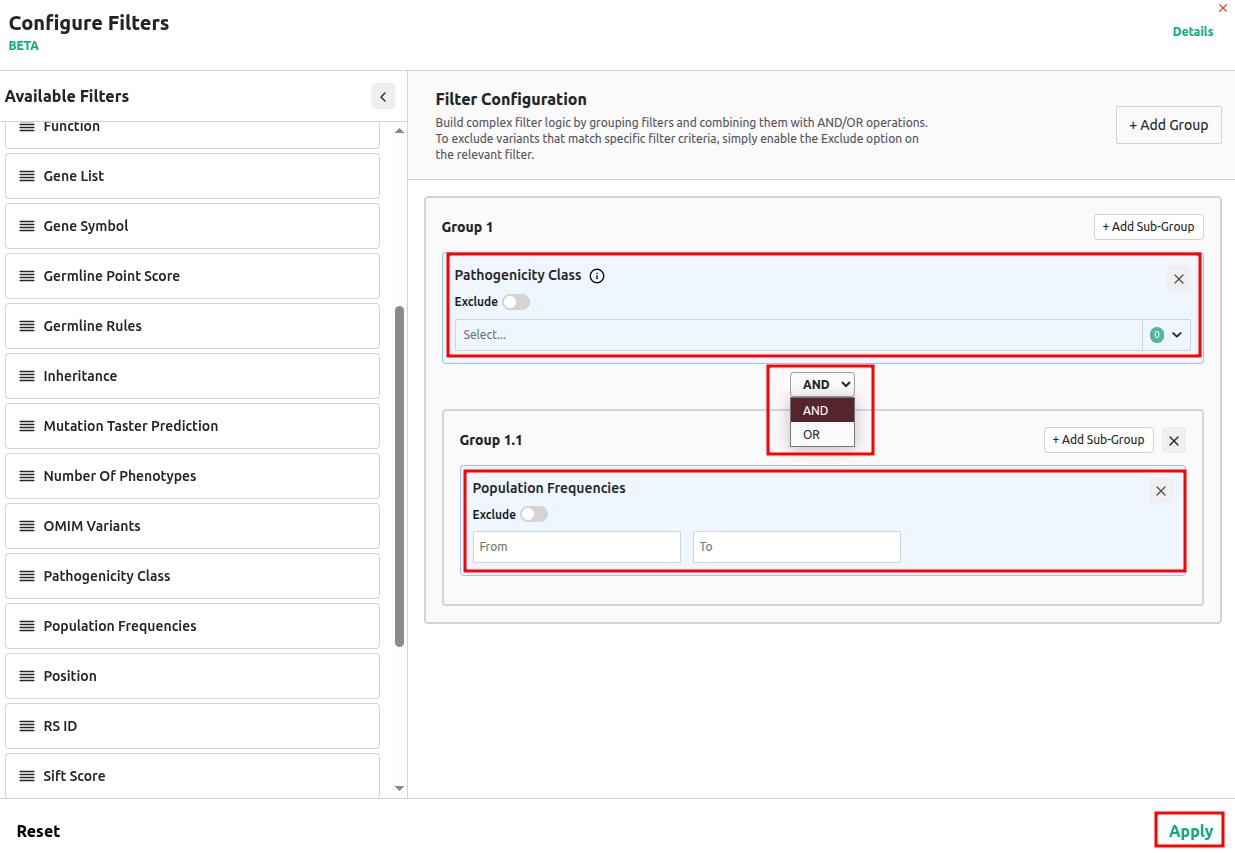
If you prefer to filter your results by Frequency and Pathogenicity using the redesigned dynamic filters with AND/OR logic, you can do so by enabling the “New filters” option from the analysis page and then clicking on the Filters button.

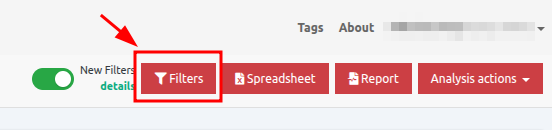
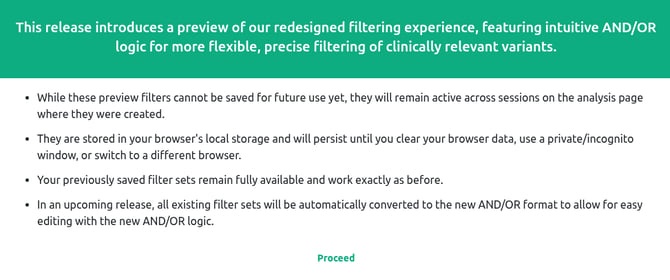
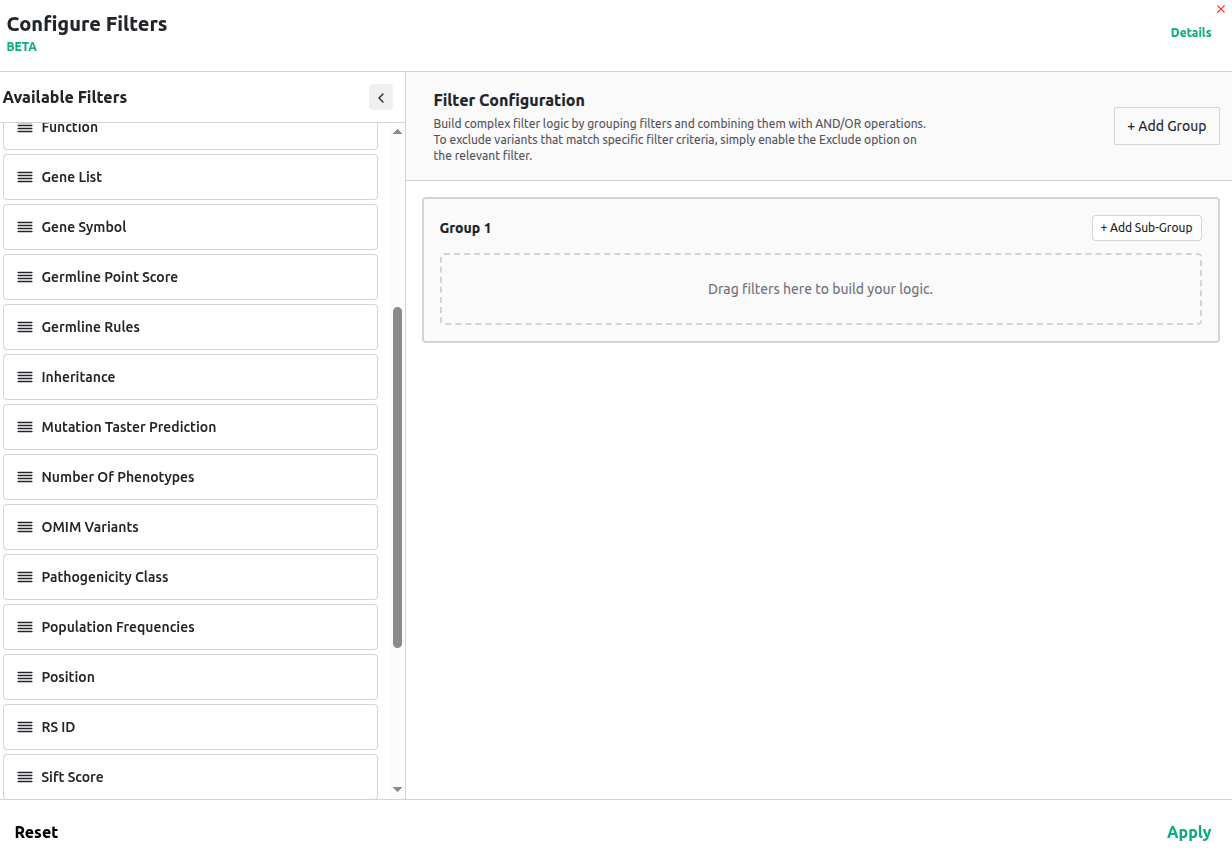
Once enabled, you can drag and drop the relevant filter categories, define how you want to combine them (AND/OR), and apply the filters accordingly. More information about this functionality can be found in the article Preview of redesigned dynamic filters with AND/OR Logic.
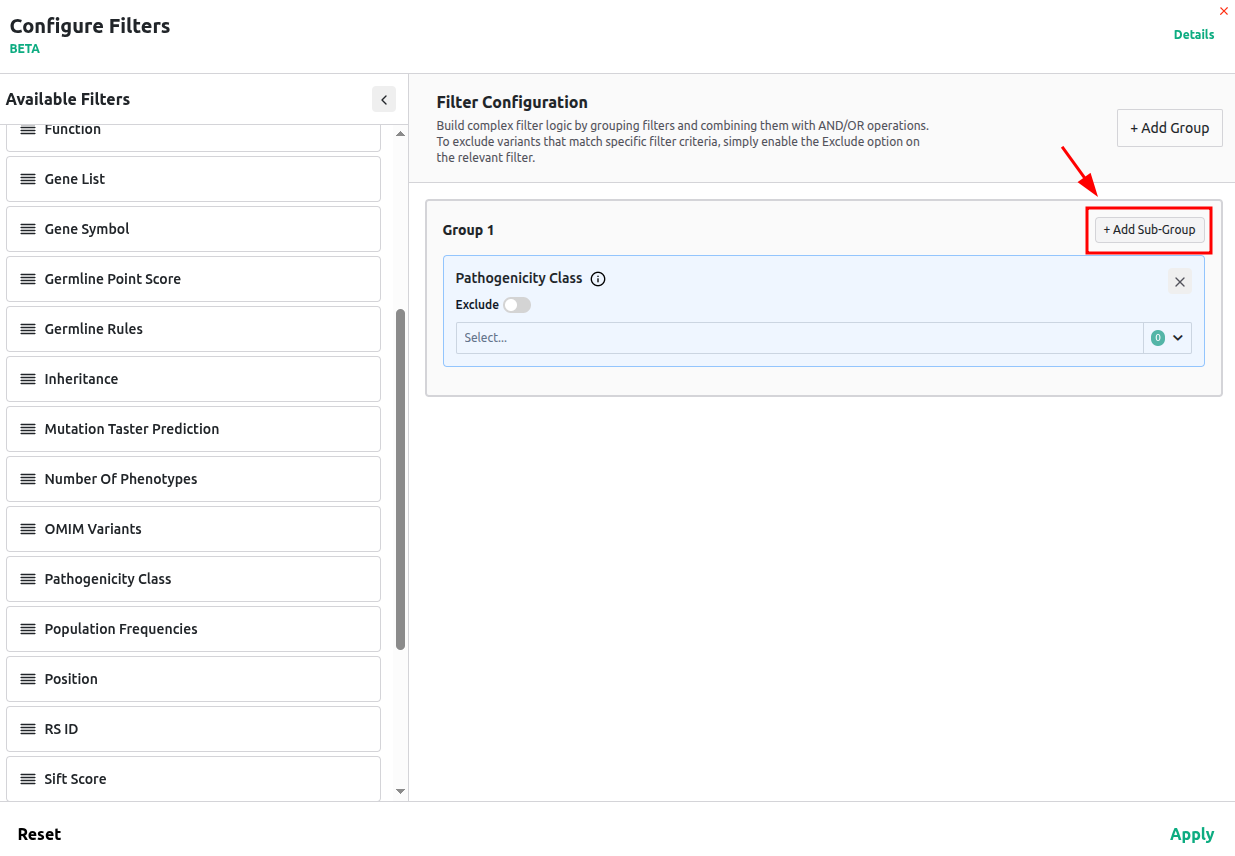
You can switch back to the classic filters at any time by disabling the "New Filters" option, allowing you to continue using your saved filter sets.
