![varsome-new.png]](https://docs.varsome.com/hs-fs/hubfs/varsome-new.png?height=40&name=varsome-new.png)
This section describes the steps required to launch an analysis, including analysis type selection, parameter configuration, and sample selection, for both fusion RNA-only analyses and combined DNA and RNA analyses.
Fusion-RNA only
Upon the RNA selection, the file type selection will display only TSV/CSV.
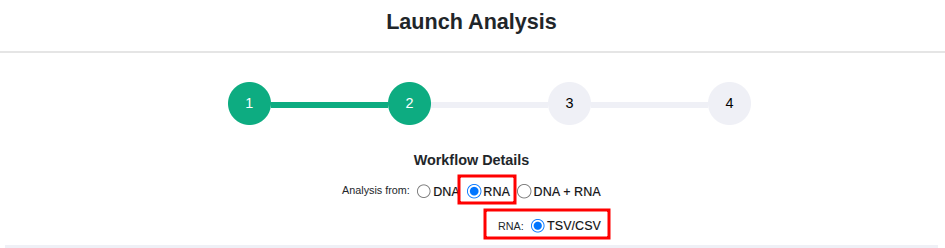
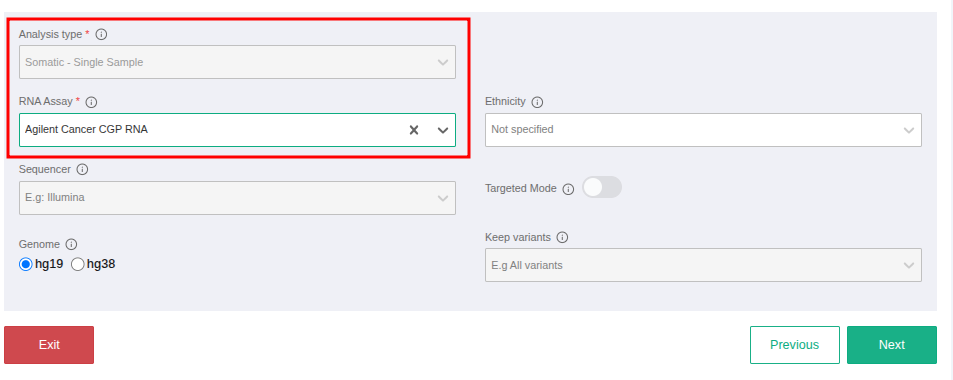
To proceed with workflow details definition, once RNA is selected, the Analysis Type field will display only the Somatic Single Sample option. A RNA assay must be selected in order to continue to the next page. To create a new workflow from the Workflows page and fill the workflows details, the same steps can be performed.
DNA + RNA
When defining workflow details for a DNA + RNA analysis, select the DNA + RNA option. To initiate DNA analysis from FASTQ or VCF files, choose the corresponding input type. If DNA FASTQ is selected, the available analysis types are Somatic Single Sample and Tumor-Normal.
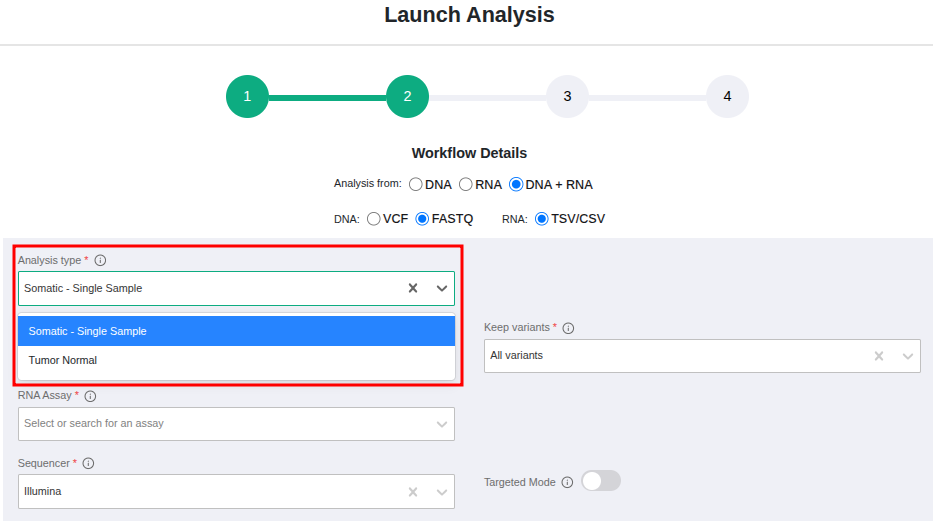
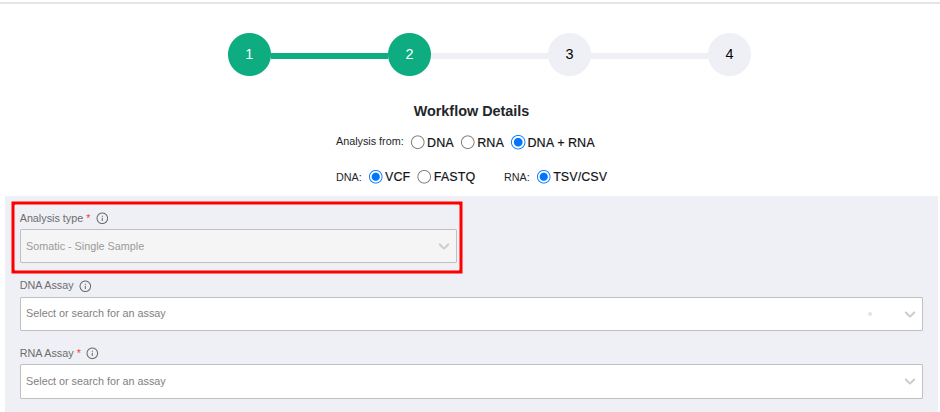
If DNA VCF is selected, Somatic Single Sample is the only available analysis type.
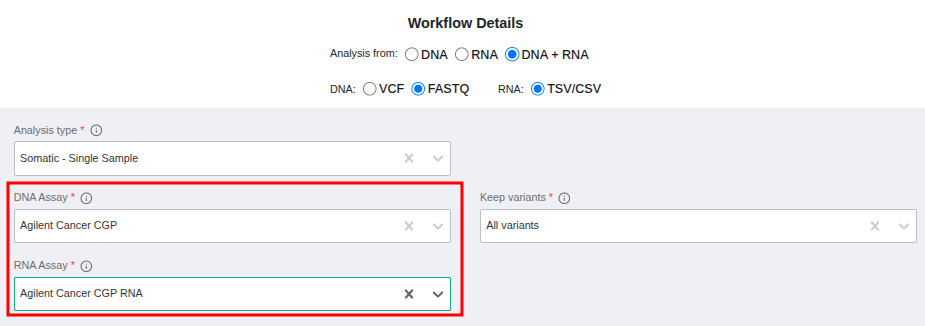
To proceed with workflow details definition for a DNA FASTQ + RNA analysis, both the DNA and RNA assays must be selected from the available options.
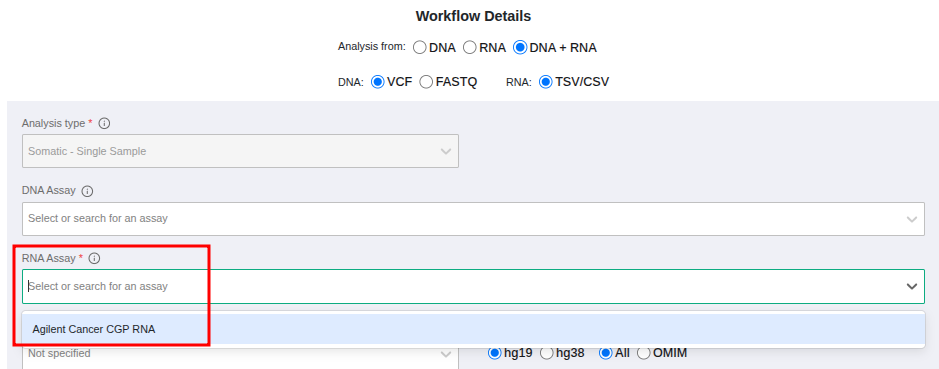
For a DNA VCF + RNA analysis, selection of a DNA assay is optional; however, an RNA assay must be selected from the available options.
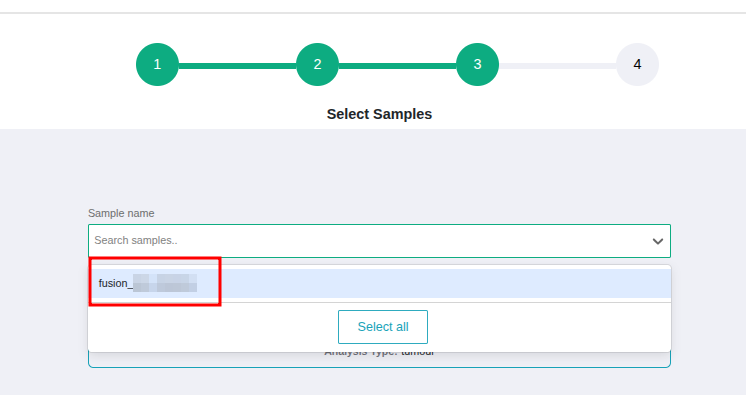
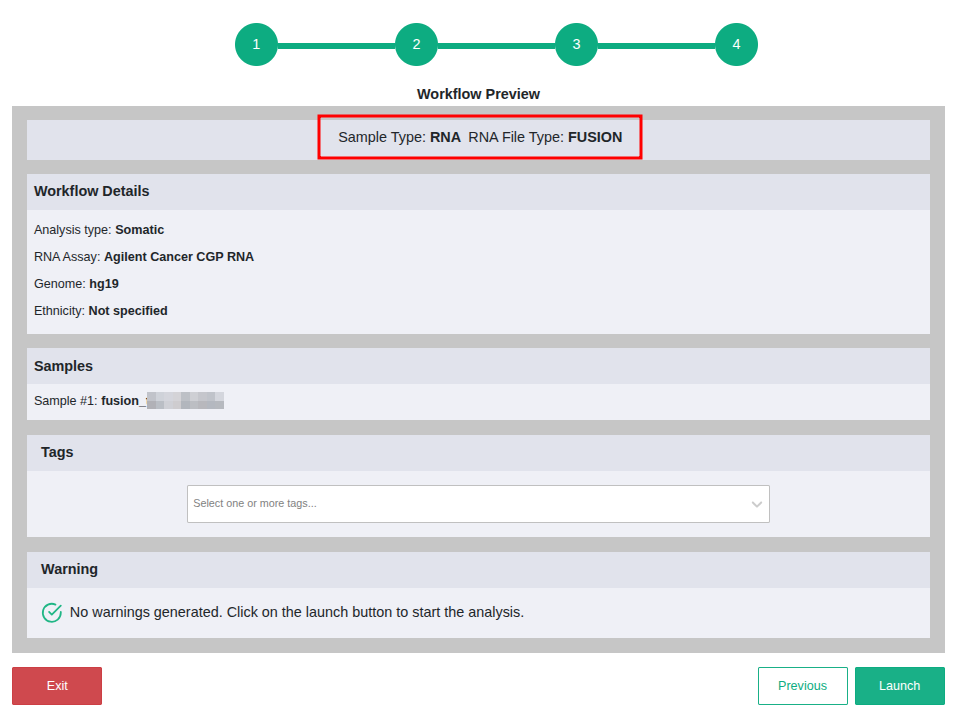
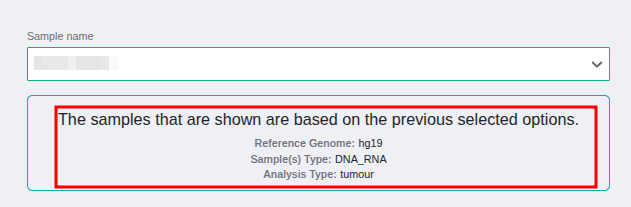
When proceeding to the next step, where samples can be selected to launch the analyses, the available samples are determined by the analysis option chosen in the previous step. If RNA-only is selected, only fusion RNA samples will be displayed. If DNA + RNA is selected, only samples for which both DNA and RNA were specified during sample definition will be shown.
Results from the DNA + RNA analysis are displayed in separate analysis but it will be possible to access the RNA analysis link from the DNA analysis page.