![varsome-new.png]](https://docs.varsome.com/hs-fs/hubfs/varsome-new.png?height=40&name=varsome-new.png)
This section describes the steps required to launch an analysis, including analysis type selection, parameter configuration, and sample selection, for both fusion RNA-only analyses and combined DNA and RNA analyses.
Fusion-RNA only
Upon the RNA selection, the file type options will display TSV/CSV or FASTQ, depending on the type of analysis you want to launch (fusion annotation / fusion calling). More information about fusion calling can be found in the document Fusion Calling.
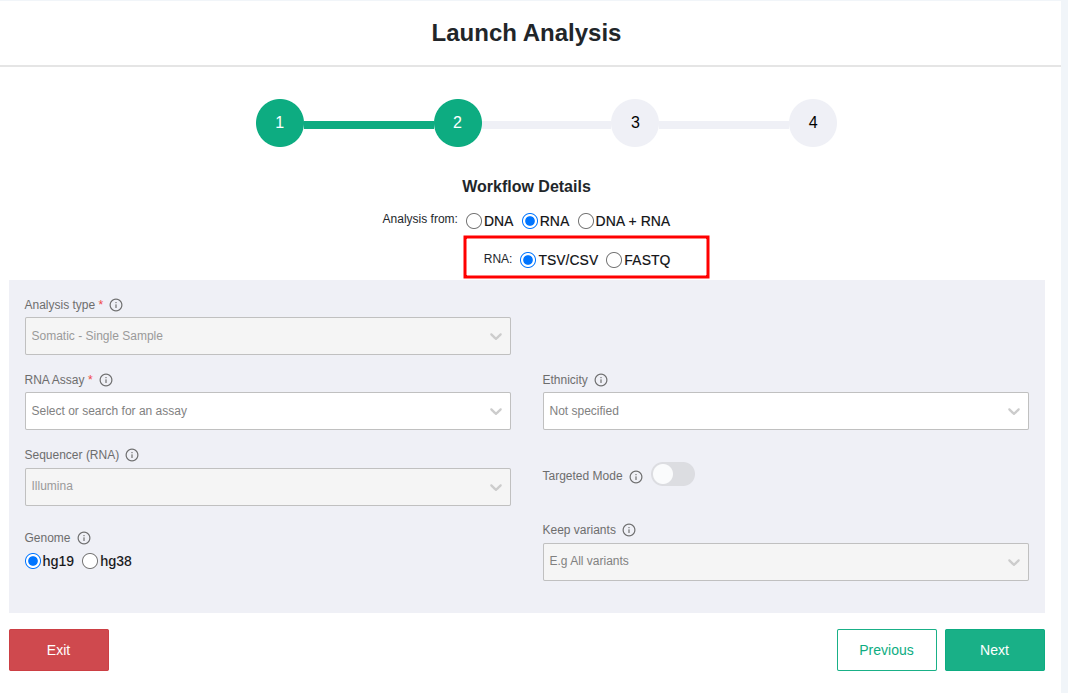
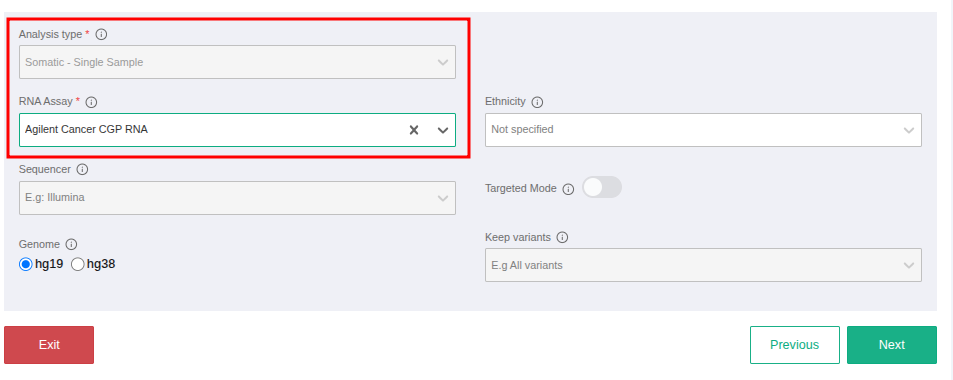
To define the workflow details, first select the RNA sample type (TSV/CSV or FASTQ). The Analysis Type field will then display only the Somatic Single Sample option. You must also select an RNA assay before proceeding to the next page. You can also create a new workflow from the Workflows page by following the same steps and filling in the required workflows details.
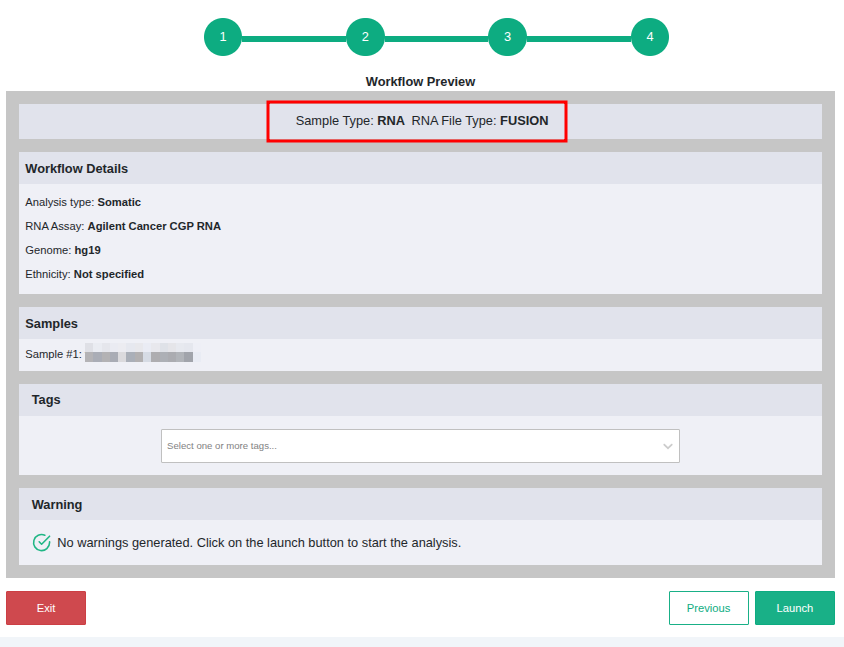
Example: RNA TSV/CSV file (fusion annotation)
DNA + RNA
When defining workflow details for a DNA + RNA fusion analysis, select the DNA + RNA option. To initiate DNA analysis from FASTQ or VCF files, choose the corresponding input type. If DNA FASTQ is selected, the available analysis types are Somatic Single Sample and Tumor-Normal.
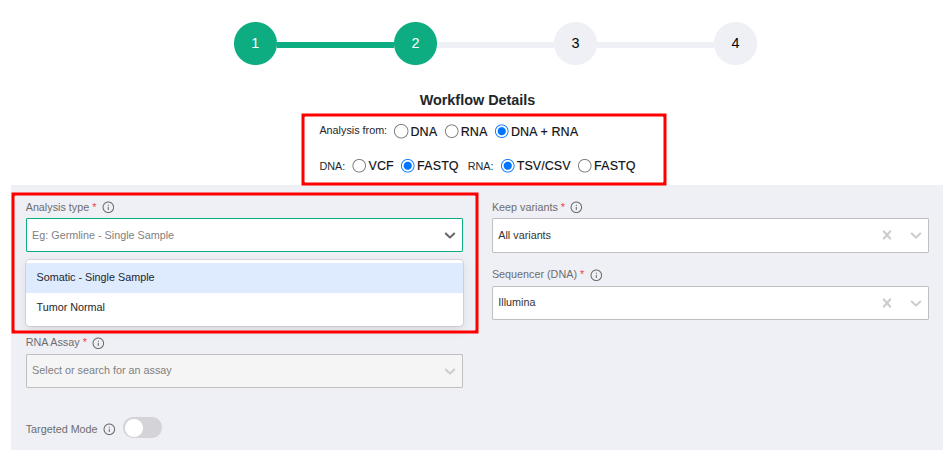
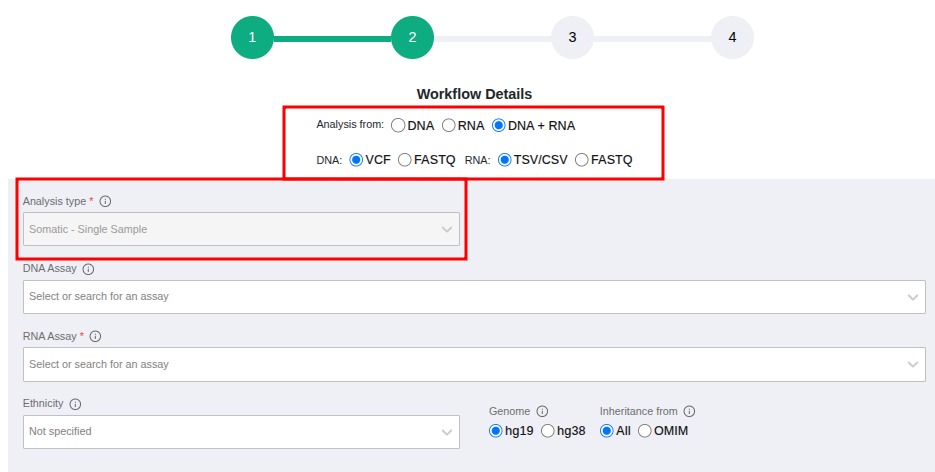
If DNA VCF is selected, Somatic Single Sample is the only available analysis type.
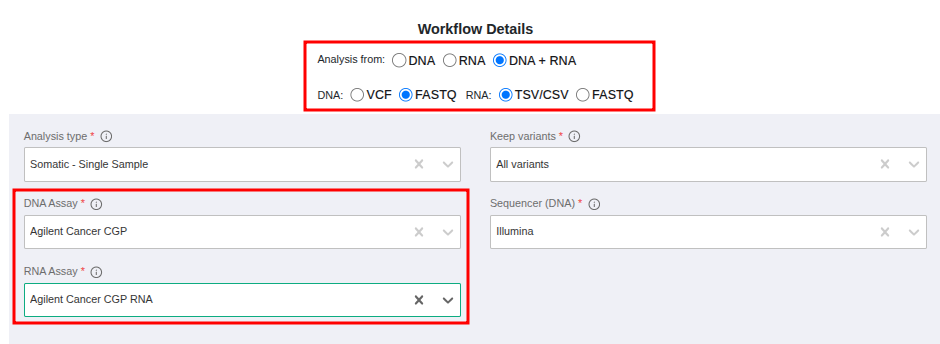
To proceed with workflow details definition for a DNA FASTQ + RNA fusion analysis, both the DNA and RNA assays must be selected from the available options.
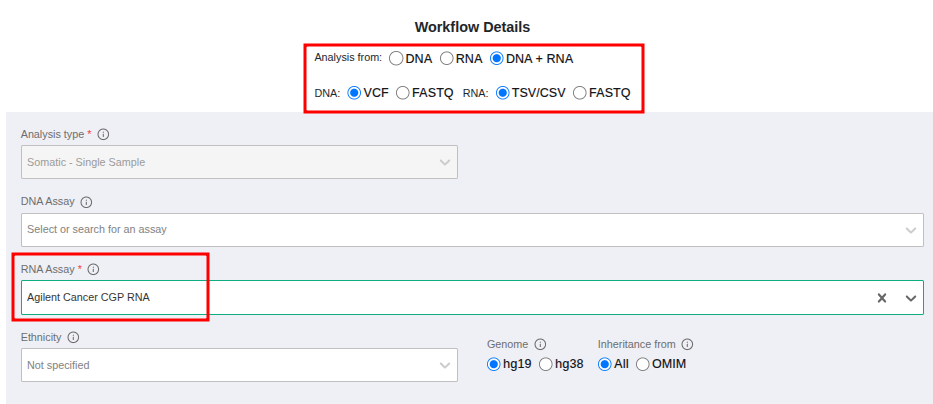
For a DNA VCF + RNA fusion analysis, selection of a DNA assay is optional; however, an RNA assay must be selected from the available options.
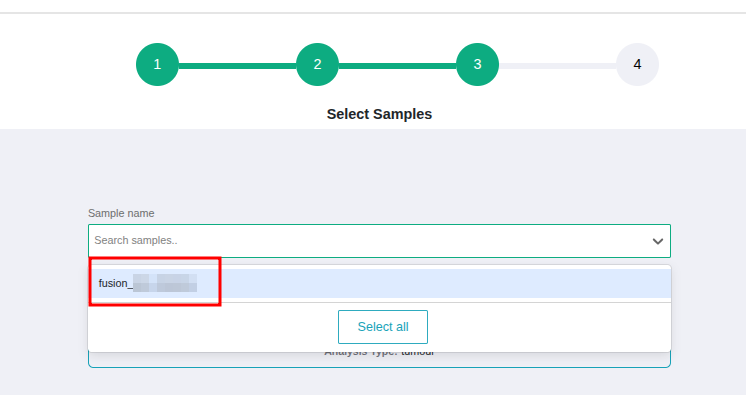
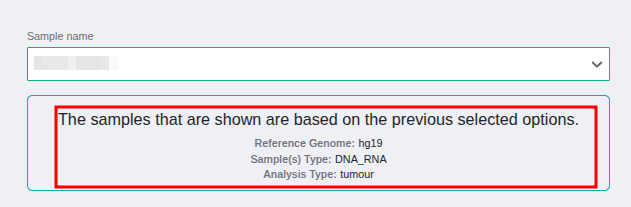
When proceeding to the next step, where samples can be selected to launch the analyses, the available samples are determined by the analysis option chosen in the previous step. If RNA-only is selected, only fusion RNA samples will be displayed. If DNA + RNA is selected, only samples for which both DNA and RNA were specified during sample definition will be shown.
Results from the DNA + RNA analysis are displayed in separate analysis but it will be possible to access the RNA analysis link from the DNA analysis page.